Photos and videos
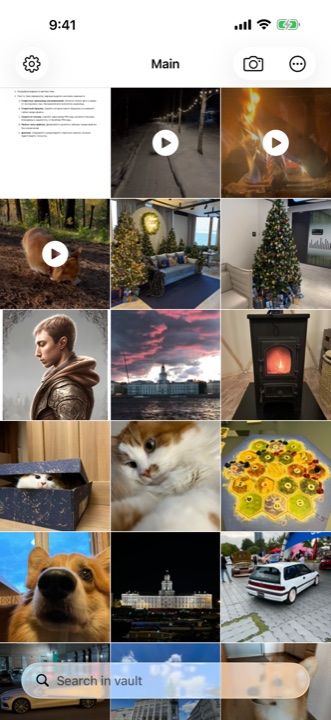
Move personal pictures into your vault and view them inside the app.
A personal vault for iPhone and iPad
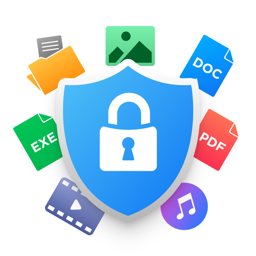
Hand over your phone. Keep your personal photos, videos and documents in a separate vault that opens with your PIN.
Download on theApp StoreStored on your device · In-app purchases available
Opens the right vault
Local file storage
Photos, videos, documents and notes
A separate place for personal things
Document scans, personal videos, notes to yourself. Bring them into Secret Vault and organise them in folders so you can find what you need.
A place for every file
Move personal pictures into your vault and view them inside the app.
Organise files in folders. Search by name and filter results by file type.
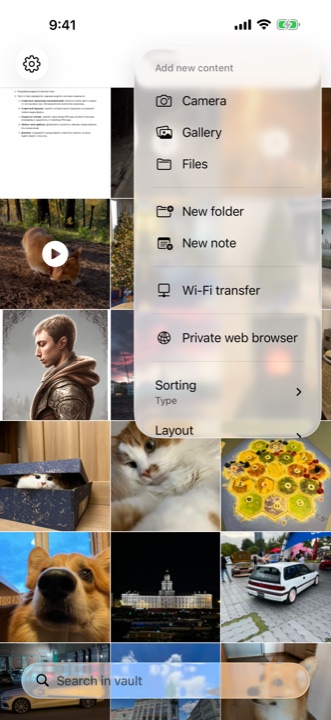
Import and export files through your computer’s browser on the same local network.
Browse websites and save downloaded files directly to your vault.
Create and edit notes alongside your documents and photos.
Choose an app icon and a launch screen shown before PIN entry in the app settings.
Inside Secret Vault
Add your content, close the vault and come back with your PIN.
Photos and videos in one place.
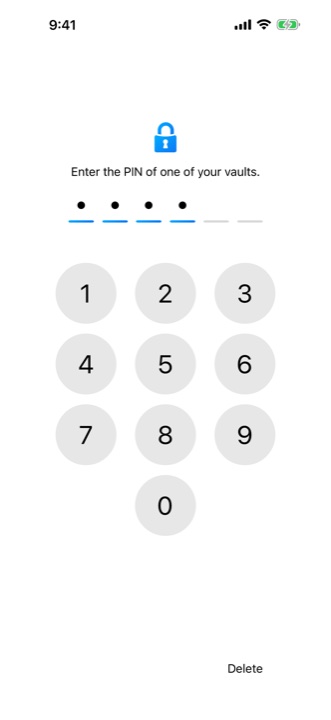
Your code opens the right vault.
Photos, Files, camera or Wi-Fi.
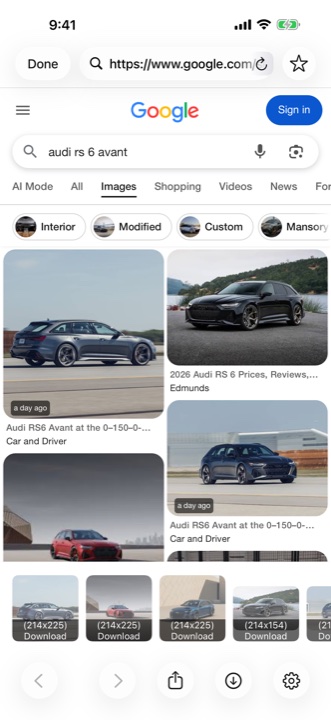
Download files into your vault.
Your data and access
Secret Vault stores vault content locally. A forgotten PIN cannot be recovered. Choose a code you can remember and keep separate copies of important files.
The app uses Firebase Analytics, Crashlytics and advertising services. Read more about data and privacy settings:
Privacy and data →Photos, videos, documents and other file types. You can also create and edit notes inside the app.
Yes. Export files from your vault, including to Photos and Files. Wi-Fi transfer lets you exchange files with a computer on your local network.
A forgotten PIN cannot be recovered. Remember your code and keep separate copies of important files outside the vault.
Vaults are local. Automatic content sync between devices is not provided. Use export and import to move your files.
Yes, Premium and subscriptions are available. Check the app and App Store for current prices and terms. Subscriptions renew automatically and can be managed in your Apple ID settings.
Email rks.vault@gmail.com or use the contact link at the bottom of this page. Please do not send PIN codes or personal files.
Give personal things their own place
Add the photos and files you want to keep separate.
Download on theApp Store