 Secret Vault
How to hide photos on iPhone: Hidden album or a separate PIN
Updated
Use the Hidden album in Photos to remove pictures and videos from your iPhone's main photo feed. Choose a separate vault such as Secret Vault if you want your own PIN and folders for photos, documents and notes. The choice depends on where you want to keep the files and which code you want to use. Importing into a vault does not guarantee that the originals are removed.
Hide photos with the built-in option
For a single photo, open Photos, touch and hold the picture, tap Hide and confirm. The same action works for a video. Hidden items stay in your library but disappear from the main feed and other albums.
For several items, use the steps below. They follow Apple's iPhone guide for iOS 26; the layout may differ on other versions.
- Open your library or a collection in Photos.
- Tap Select and choose the photos and videos.
- Tap More, choose Hide and confirm.
When a separate PIN is useful
Say you want to keep personal pictures alongside document scans and notes, with an access code different from your phone's passcode. A separate vault fits that workflow.
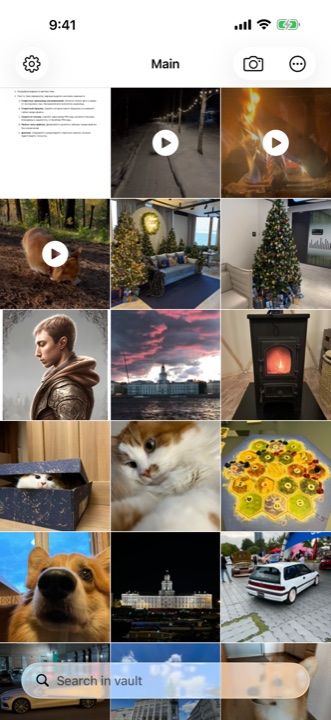
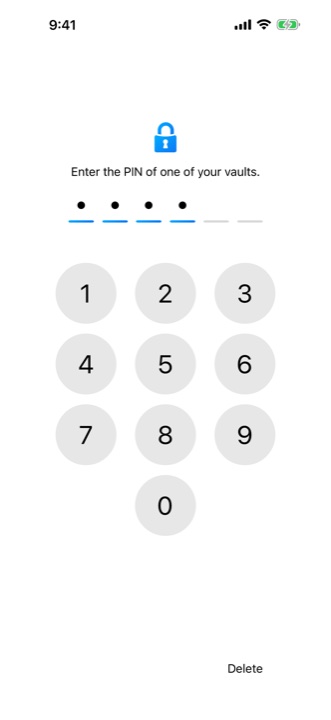
Secret Vault stores files locally and lets you arrange them in folders. You can have several vaults, each with its own PIN. The PIN controls access through the app's interface. Having a PIN does not establish how files are encrypted or prove that a vault is more secure than Apple's album.
Check the import before deleting originals
Try a few unimportant files first. Open each imported photo and play each video in the vault. Then check Photos for the originals. If you decline deletion, grant limited access or encounter an error, some originals may remain.
If you choose to delete the originals, remember that iCloud Photos carries deletions to devices using the same library. Deleted items normally stay in Recently Deleted for 30 days. Deleting them permanently from that album cannot be undone. Do that only after checking the copies you intend to keep.
Choose a workflow you can keep using
Start with Hidden if you want pictures out of the main feed while continuing to use iCloud Photos. If you want a separate PIN and folders for different files, try Secret Vault with a few test items.
A separate vault brings responsibilities. A forgotten Secret Vault PIN cannot be recovered. Vault content does not sync automatically between devices, so keep separate copies of important files. Local storage also does not mean the app has no telemetry. It uses Firebase Analytics, Crashlytics and advertising services.
Before moving a whole collection, test both access and export. Export one test photo and open it in the location where you plan to keep a backup.